
Content ideas
Ideas is the scratchpad. It is where a half-thought goes so it stops rattling around, and where you look when it is Tuesday and the calendar is empty. You can write them yourself or have AI draft a few from a topic.
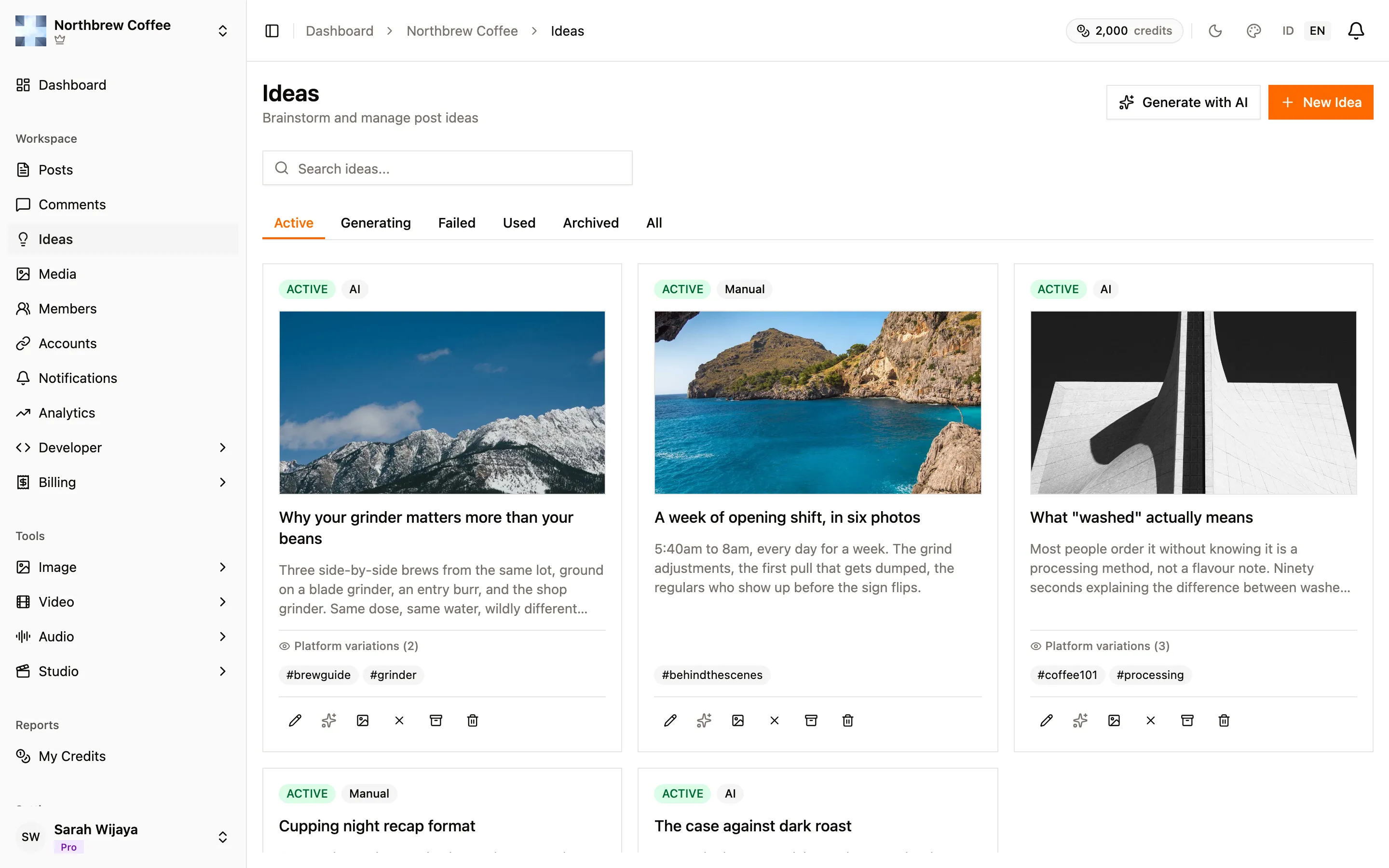
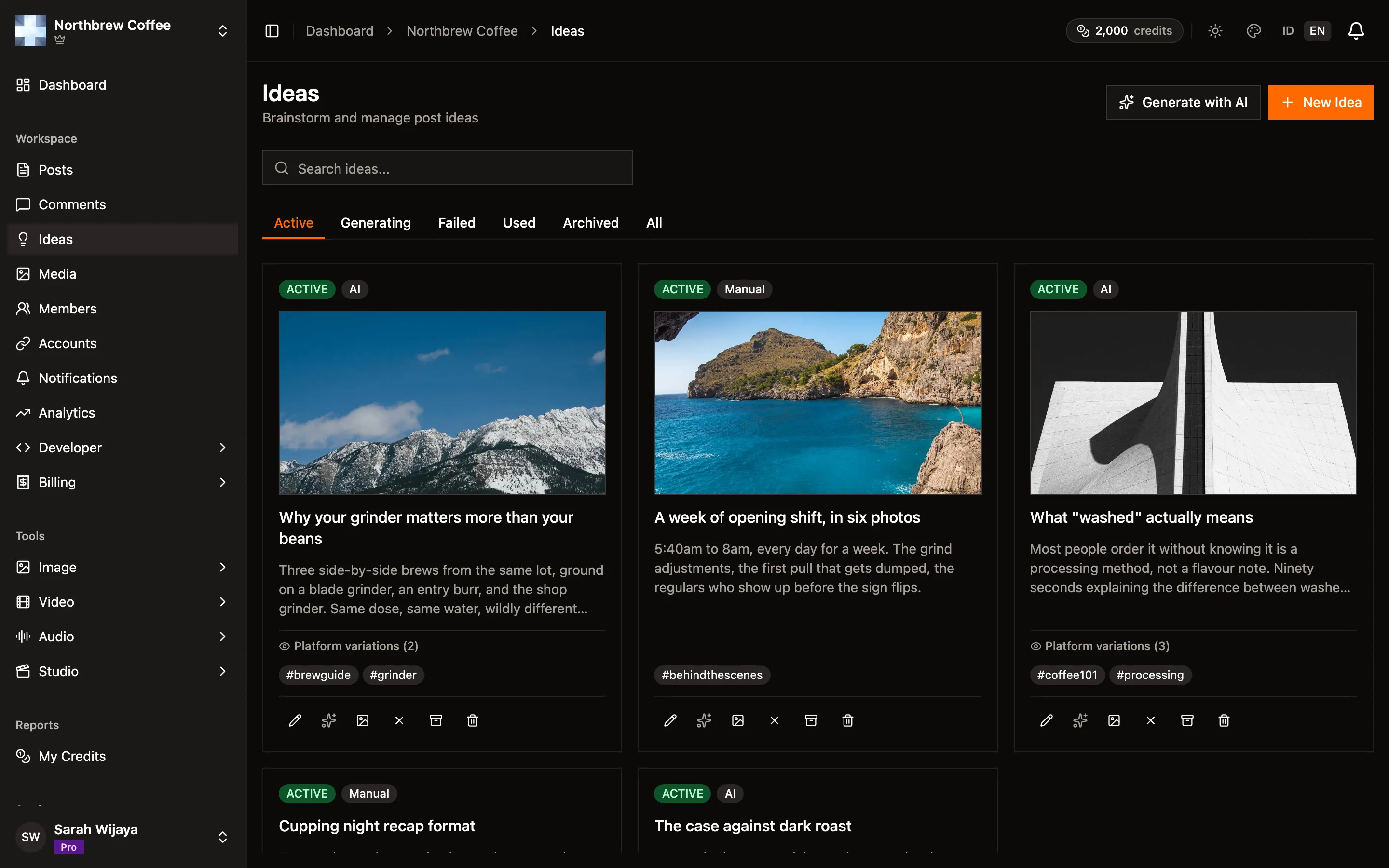
Every idea is a card: a title if you gave it one, the body, whatever tags you added, and a pill saying where it came from, Manual or AI. The tabs across the top are the statuses, and the one you pick sticks in the URL, so you can bookmark or share the view you want.
Writing one yourself
Section titled “Writing one yourself”New Idea opens a small form. Only the body is required. Tags are free text, and they are what makes the search box useful once you have fifty of these.
Letting AI draft some
Section titled “Letting AI draft some”Generate with AI asks for three things:
- Topic. A sentence is plenty. “Tips for people buying their first grinder” gets you further than one word.
- Target platforms, optional. Every platform you have connected starts ticked. Leaving one on means you also get a version written for it, so a YouTube description and a Bluesky post come out shaped differently rather than the same text pasted twice.
- How many, one to three.


Generating costs credits, and the dialog shows the exact total under the count before you commit to it. The rate is flat per idea per platform, so three ideas across three platforms costs nine times what one idea for one platform does. How long your topic is, or how much the model ends up writing, changes nothing.
Generation runs in the background. The cards appear straight away marked Generating and fill themselves in, so you can close the tab and come back. If one fails it lands in the Failed tab with a Retry button that reuses the original topic.
What you can do with an idea
Section titled “What you can do with an idea”It depends on the status.
Active ideas can be edited, archived, or deleted. Two more things live here:
- Enhance rewrites the idea with AI, and shows you the result before anything is saved. It spends credits each time.
- Feature image hands the idea to the image tool with the title and body already filled in as the prompt. Once there is an image it becomes replace-or-remove.
Archived ideas keep a Restore button and nothing else. Archiving is not deleting, it is getting something out of the way.
Failed ideas offer Retry or Delete.
Turning an idea into a post
Section titled “Turning an idea into a post”This happens from the composer, not from here. Open Create Post and use the idea picker: choose one and the caption is prefilled, along with the per-platform versions if the idea has them. Edit from there like any other post.
Limits
Section titled “Limits”How many ideas you can create in a billing period depends on your plan, and the free plan does not include Ideas at all. The current numbers are on the pricing page. When you hit the cap both buttons go dim and tell you why. Archiving does not free up room, the cap counts what you created during the period, not what is still sitting in the list.
If you are a member rather than the workspace owner, you need the Ideas permission switched on to open this page.